Speed Camera and Radar Alerts: Avoid Traffic Fines
A free speed camera alerts app can warn you about cameras and speed changes so you drive safer and dodge surprise fines.
Anúncios
Ever been fined by a speed camera you never even saw until the ticket arrived in the mail?
This guide shows you how to use a free speed camera alerts app to get a heads-up before you reach a camera or a changing speed limit, so you can slow down in time.
The goal here is simple: fewer surprise tickets, fewer white-knuckle moments, and calmer driving.
It works because a good alerts app reminds you where the speed limit drops and where cameras have been reported, right when you need to know.
This is written for everyday U.S. drivers, commuters, road-trippers, and delivery drivers who want to stay within the limit and avoid costly mistakes.
Below we cover why these alerts matter, how speed and red-light cameras actually work, what a free app can and cannot do, how to set it up, and how to use it responsibly.
Why speed camera alerts are worth using
Speeding tickets are expensive, and the cost rarely stops at the fine itself.
A single citation can raise your car insurance premium for years, sometimes adding up to far more than the ticket was worth.
Speed cameras are designed to catch you automatically, often in spots where the limit changes suddenly or where enforcement is heavy.
An alert app gives you a moment of awareness, and that moment is usually all you need to check your speedometer and ease off the gas.
The real value is not about beating the system, it is about paying better attention.
Most speeding is unintentional, the result of a missed sign, a downhill stretch, or simply zoning out on a familiar road.
When your phone gently reminds you that the limit just dropped or that a camera is ahead, you naturally correct your speed.
That single habit, repeated over months, can save you hundreds of dollars and keep points off your license.
What a surprise ticket really costs you
The sticker price of a speeding fine is only the beginning of the damage.
Depending on your state and how far over the limit you were, a single ticket can run anywhere from tens to hundreds of dollars.
On top of that, many states add court fees, surcharges, and administrative costs that quietly inflate the total.
Then comes the part that hurts longest, which is your insurance.
A speeding conviction can push your premium up at renewal, and that increase often repeats for three years or more.
For many drivers, the multi-year insurance hit ends up costing more than the original fine ever did.
Points on your license add another layer of risk, because enough of them can lead to suspension.
Seen this way, a free alert that helps you slow down before a camera is protecting a lot more than a few dollars.
How speed and red-light cameras actually work
Automated enforcement comes in a few common forms, and knowing them helps you understand what an app can warn you about.
Fixed speed cameras sit in a permanent housing on a pole or gantry and photograph vehicles traveling above the posted limit.
Red-light cameras trigger when a car enters an intersection after the light has turned red, capturing the plate and sometimes the driver.
Some areas use average-speed or point-to-point cameras that measure how long you take to travel between two points, then calculate your average speed.
Mobile speed enforcement is different, because it moves.
Police may set up radar or a camera van in a new location each day, which is why community-reported alerts matter more than a fixed database.
Speed limits themselves also change more often than people realize, dropping near schools, work zones, and residential corners.
A camera alert is really two warnings in one: where enforcement tends to happen, and where the limit is about to change.
What a free alerts app can and cannot do
It helps to be honest about the limits of any app before you rely on it.
A free navigation app with community alerts can notify you about reported cameras, reported police, and upcoming speed limit changes as you drive.
It cannot guarantee that every camera is in its database, and it cannot detect a brand-new mobile setup that nobody has reported yet.
Think of it as an extra set of eyes, not a force field.
The strength of a community app is exactly that, the community.
When thousands of drivers report the same camera or hazard, the data becomes remarkably current and reliable.
Fixed cameras get reported once and stay mapped, while mobile enforcement gets flagged in near real time by drivers just ahead of you.
The trade-off is that accuracy depends on how many people use the app in your area.
The safety case: alerts are about awareness, not evasion
It is worth being clear about intent, because that shapes how you should use these tools.
The point of a speed alert is to help you obey the posted limit, not to help you speed between cameras.
Driving within the limit is the only reliable way to avoid a fine, and it is also the safest thing you can do for yourself and everyone around you.
An alert that makes you glance at your speedometer is doing its real job: keeping you legal and attentive.
Automated cameras are usually placed where crashes, pedestrians, or schools make speeding especially dangerous.
So a camera warning is often a hidden hazard warning, telling you that this is a stretch where slowing down genuinely matters.
Treat every alert as a nudge to drive the way you already know you should.
Used that way, the app protects your wallet and your safety at the same time.
Waze: a free navigation app with community alerts
Among the free options, Waze is one of the best known for community-powered driving alerts.
It is a free navigation app owned by Google, and it relies on reports from millions of everyday drivers.
As you drive, Waze can show upcoming speed limits, warn you when a camera has been reported ahead, and flag reported police, crashes, and road hazards.
Because the alerts come from other drivers on the same roads, the information tends to stay current.
Waze also offers turn-by-turn navigation, live traffic rerouting, and estimated arrival times, so it works as your main map app too.
You can enable a visible speedometer that turns a different color when you exceed the posted limit, which is a simple, effective nudge.
None of these core features cost money, and you do not need a subscription to use them.
That combination of free navigation and community alerts is why many drivers keep it running on every trip.
How to set up a speed camera alerts app the right way
Getting real value from an alerts app takes a couple of minutes of setup.
Start by downloading the app from your phone's official app store and creating a free account if prompted.
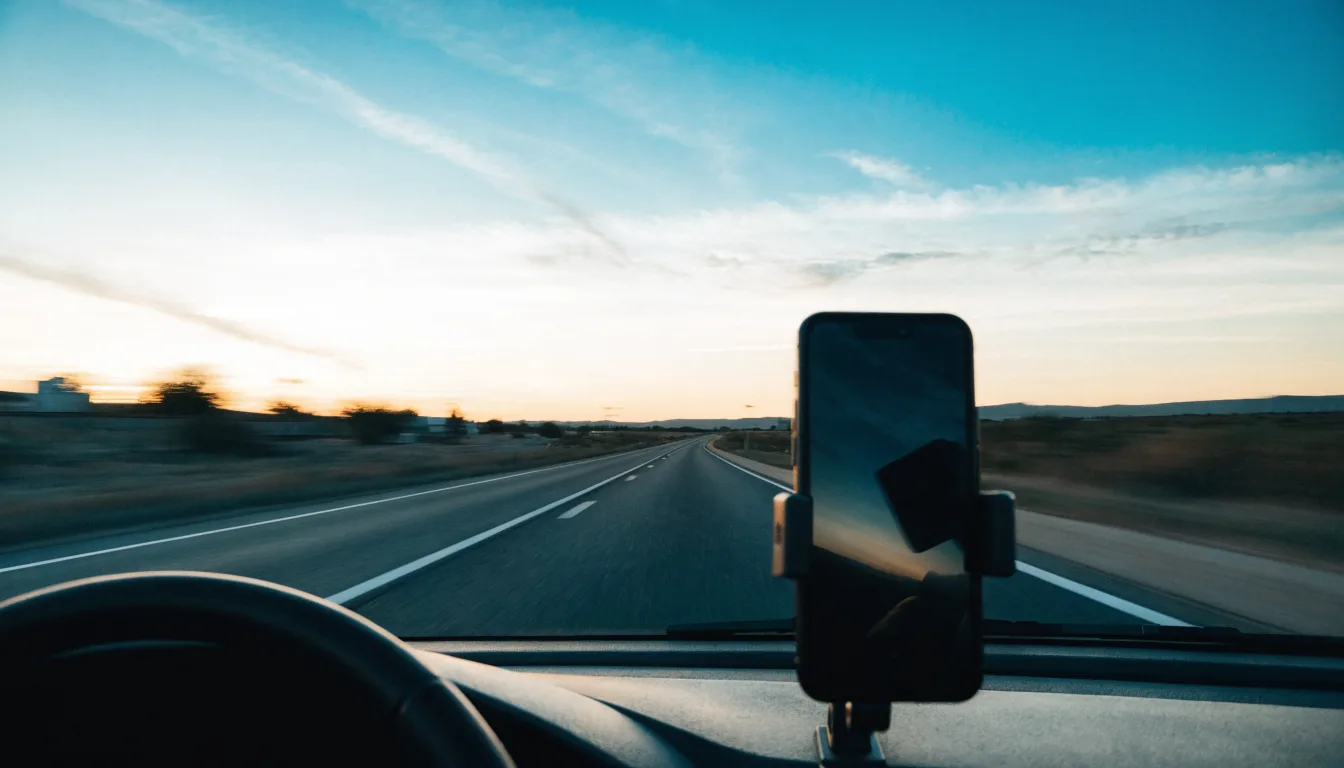
Mount your phone in a proper dashboard or vent holder so you can hear and glance at alerts without ever holding the device.
Turn on the speedometer display and enable audible alerts so you get both a visual and a spoken heads-up.
Next, review the alert settings and make sure camera, police, and speed limit warnings are switched on.
Allow location access while the app is in use, since the alerts depend on knowing where you are.
Set your voice guidance to a volume you can hear over music or road noise, but not so loud it startles you.
Finally, take a short familiar drive to learn how the alerts sound and look before you rely on them in heavy traffic.
The safest habit of all is to set your destination before you start driving, then keep your hands off the phone entirely.
Using alerts responsibly while you drive
An alert only helps if you can respond to it calmly and legally.
When you hear a camera or speed limit warning, glance at your speedometer, not the map, and adjust smoothly.
Never brake hard just because an alert fires, because sudden braking can cause a rear-end collision behind you.
The idea is a gentle, early correction, not a panic reaction at the last second.
Keep the phone mounted and voice-guided so your eyes stay on the road.
Distracted driving is far more dangerous than any single camera, and it is illegal in most states to handle your phone while driving.
If you need to change a setting or report a hazard, do it while safely parked.
Let the app talk to you, and keep your attention where it belongs.
How community reporting keeps the data fresh
The reason community apps feel almost psychic is the sheer number of drivers feeding them data.
Every time someone passes a camera, a stalled car, or a police vehicle, they can tap a button to report it.
That report instantly appears for the next drivers heading down the same road, sometimes within seconds.
As those later drivers confirm or dismiss the report, the system learns which alerts are still accurate.
Fixed cameras only need to be reported once, because they never move, so they stay reliably mapped over time.
Mobile enforcement is where the crowd really shines, since a camera van that appeared this morning can be flagged by lunchtime.
The more drivers in your area use the app, the sharper and more current these alerts become.
In busy metro areas the data can be remarkably good, while quiet rural roads may have thinner coverage.
Contributing your own reports, safely and only when stopped or as a passenger, helps everyone who drives after you.
Who benefits most from speed and camera alerts
Almost any driver gains something from timely alerts, but a few groups benefit the most.
Daily commuters cover the same roads constantly, so a single missed limit change can turn into repeat tickets over time.
Long-distance road-trippers drive through unfamiliar towns where limits and enforcement patterns are impossible to guess.
Delivery and rideshare drivers spend hours on the road and cannot afford the insurance impact of avoidable citations.
New and teenage drivers benefit from the constant, gentle reminder to check their speed as they build good habits.
Even careful, experienced drivers zone out sometimes, and a well-timed alert catches the lapse before it costs anything.
If you drive at all, the free version of a community alert app is worth having ready on your phone.
Other ways to avoid speeding tickets
An app is one tool, but a few habits do even more to keep you ticket-free.
Watch for posted signs at school zones, work zones, and residential entrances, where limits drop the most.
Use cruise control on highways to hold a steady, legal speed without constant foot pressure.
Leave a few minutes earlier than you need to, because feeling rushed is the single biggest cause of speeding.
Pay special attention on downhill stretches, where cars quietly gain speed without you touching the gas.
Keep your speedometer in view and check it at regular intervals, especially after the limit changes.
If you are driving an unfamiliar route, let navigation guidance tell you about upcoming turns and limits in advance.
Small, steady habits like these matter more than any gadget, and the app simply reinforces them.
Know your local laws before you rely on any device
Rules around driving apps and detection devices vary from state to state.
Using a free navigation app that shows speed limits and community reports is legal for ordinary drivers across the United States.
However, mounting your phone where it blocks your view, or handling it while driving, can itself be a violation in many states.
Radar detectors and laser jammers are a separate matter, with jammers banned in most places and detectors restricted in some vehicles.
The safest approach is to use a hands-free, dashboard-mounted navigation app and nothing that interferes with enforcement equipment.
When in doubt, check your state's specific rules on phone mounting and distracted driving.
Staying legal with your setup is just as important as staying legal with your speed.
Free apps versus paid radar detectors
You may wonder whether you need a dedicated radar detector instead of a free app.
For most everyday drivers, a free navigation app with community alerts covers the practical needs without spending a dime.
Radar detectors can cost well over a hundred dollars, and their legality varies depending on your state and vehicle type.
A community app, by contrast, is free, updates constantly, and doubles as your full navigation and traffic tool.
Detectors also do nothing to warn you about a changing speed limit, which is the cause of many honest mistakes.
For the vast majority of drivers, starting with a free app is the smarter, simpler, and fully legal choice.
If you later find you need more, you can research paid options, but most people never do.
Ready to get free speed camera and speed limit alerts?
If you want a simple way to see speed limits and community-reported cameras as you drive, a free navigation app is the easiest place to start.
Install it, mount your phone safely, and let the alerts help you drive within the limit on every trip.
Frequently asked questions
Is a speed camera alerts app free to use?
Will an alert app catch every speed camera?
Is it legal to use these apps while driving?
Do these apps help me speed between cameras?
What is the difference between a fixed camera and mobile enforcement?
The bottom line
Speeding tickets are usually the result of a missed sign or a moment of inattention, not a deliberate choice.
A free speed camera alerts app gives you back that missing moment of awareness, reminding you to check your speed exactly when it matters.
Set it up safely, treat every alert as a nudge to slow down, and let it help you drive within the limit on every trip.


